Ask a question
You ask Oppex Nova a question in the chat box, and the answer appears in the conversation. You can follow up, stop an answer that is taking too long, or edit your last question and send it again.
Ask a question
- Open Oppex Nova.
- Select one of the example questions, or select the box Ask Oppex Nova about your incident data… and type your question.
- Press Enter to send. Press Shift and Enter to start a new line.
While Nova works, a bubble tells you the stage it is in. The stages are Interpreting your request…, Confirming the query is well-formed…, Retrieving the relevant data…, Reviewing the results for accuracy… and Preparing the response….
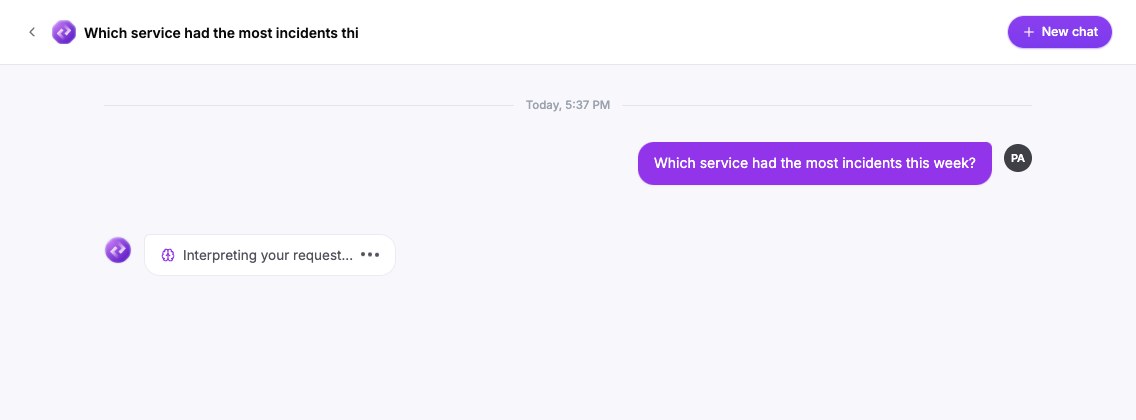
Ask questions that get a clear answer
- Name the period, for example "last week" or "October 2026". If you do not, Nova asks you to choose one, as shown in Understand an answer.
- Name the measure you want, such as the number of incidents, the average time to acknowledge, or the share that missed a target.
- Name the grouping, such as by service, by severity or by person.
- Use the names your workspace uses for services and variables. If a name is not recognised, Nova tells you and offers to list the real names.
Follow up on an answer
Nova uses the earlier messages in the conversation, so you can ask "Break this down by service" or "Compare with the prior 30 days" without repeating the question. Under each answer, Nova suggests up to three follow-up questions. Select one to ask it.
If you give Nova a standing instruction, such as "Always exclude test services from now on", it applies to the rest of that conversation. A question that is independent of the earlier ones does not inherit their dates or filters, and Nova lists the scope it used under Assumptions.
Stop an answer
Select the square Stop generating button next to the box. Oppex shows "Stopped generating this answer." with a Retry this question arrow.
Edit your last question
You can edit only your most recent question.
- Select Edit under your question.
- Change the text.
- Select Save & resend, or Cancel to keep the original.
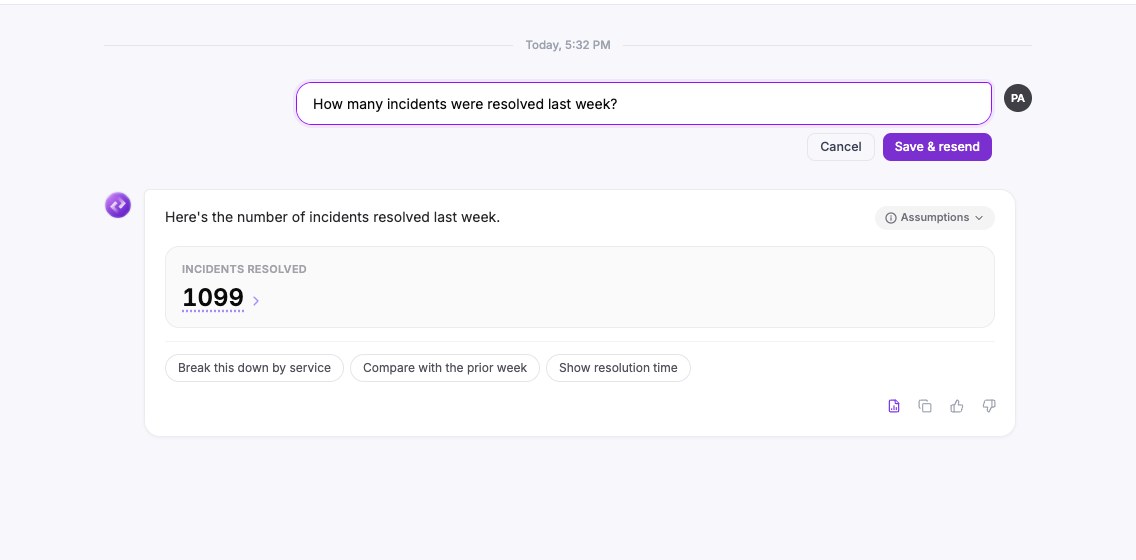
When you save an edit, Nova replaces the old answer with the new one. The conversation does not keep both versions.