Create a service
- Open Services and click + Add Service.
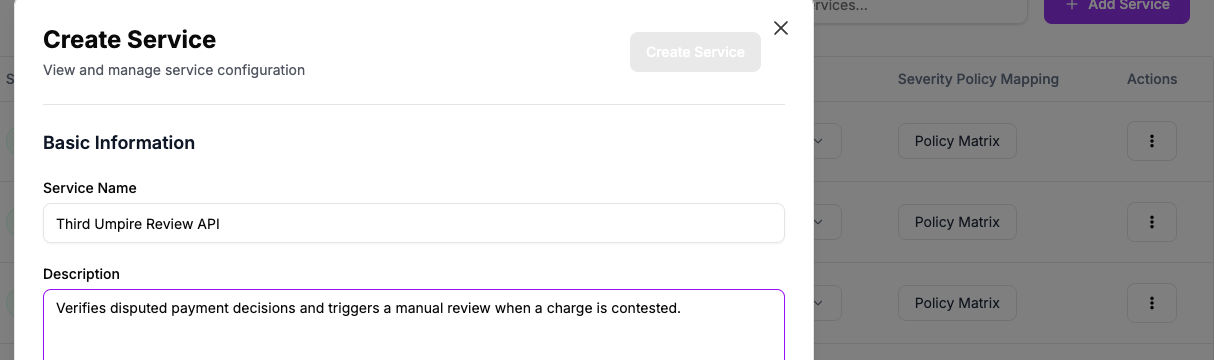
- Enter a Service Name and, optionally, a Description.
- Set up Map Escalation By Severity — see Escalation by Severity — or turn on Notification only to skip escalation entirely.
- Add Notification Emails or a Slack channel under Notifications, if you want them.
- Click Create Service.
Create Service stays disabled until every severity is handled
Each of the five severity levels needs either an escalation policy or Do Not Escalate — Oppex won't let you save with a severity left blank.