Overview
A service represents a system, application, or team responsibility in Oppex. Every incident belongs to a service, and the service decides who's notified — each severity level on the service maps to an escalation policy, or to no escalation at all.
What a service has
- A name and optional description.
- A service integration key — a unique credential your monitoring tools use to send alerts to this service. Oppex generates it automatically when you create the service.
- A Map Escalation By Severity table — see Escalation by Severity.
- Notification settings — email and Slack, separate from escalation.
- Optionally, one or more Service Admins — see Service Admins.
Connecting a monitoring tool
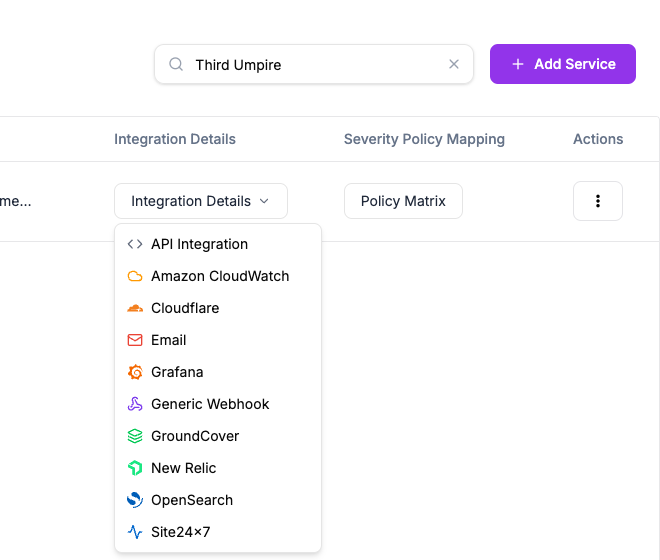
Click Integration Details on a service's row to get a setup guide for a specific source — New Relic, Site24x7, Amazon CloudWatch, Cloudflare, Grafana, GroundCover, OpenSearch, a generic webhook, or email — each guide walks you through pointing that tool at your service's integration key. The Integrations section of these docs covers each source in full, including Datadog, Splunk and Google Cloud Monitoring, which have no guide of their own in the menu.